
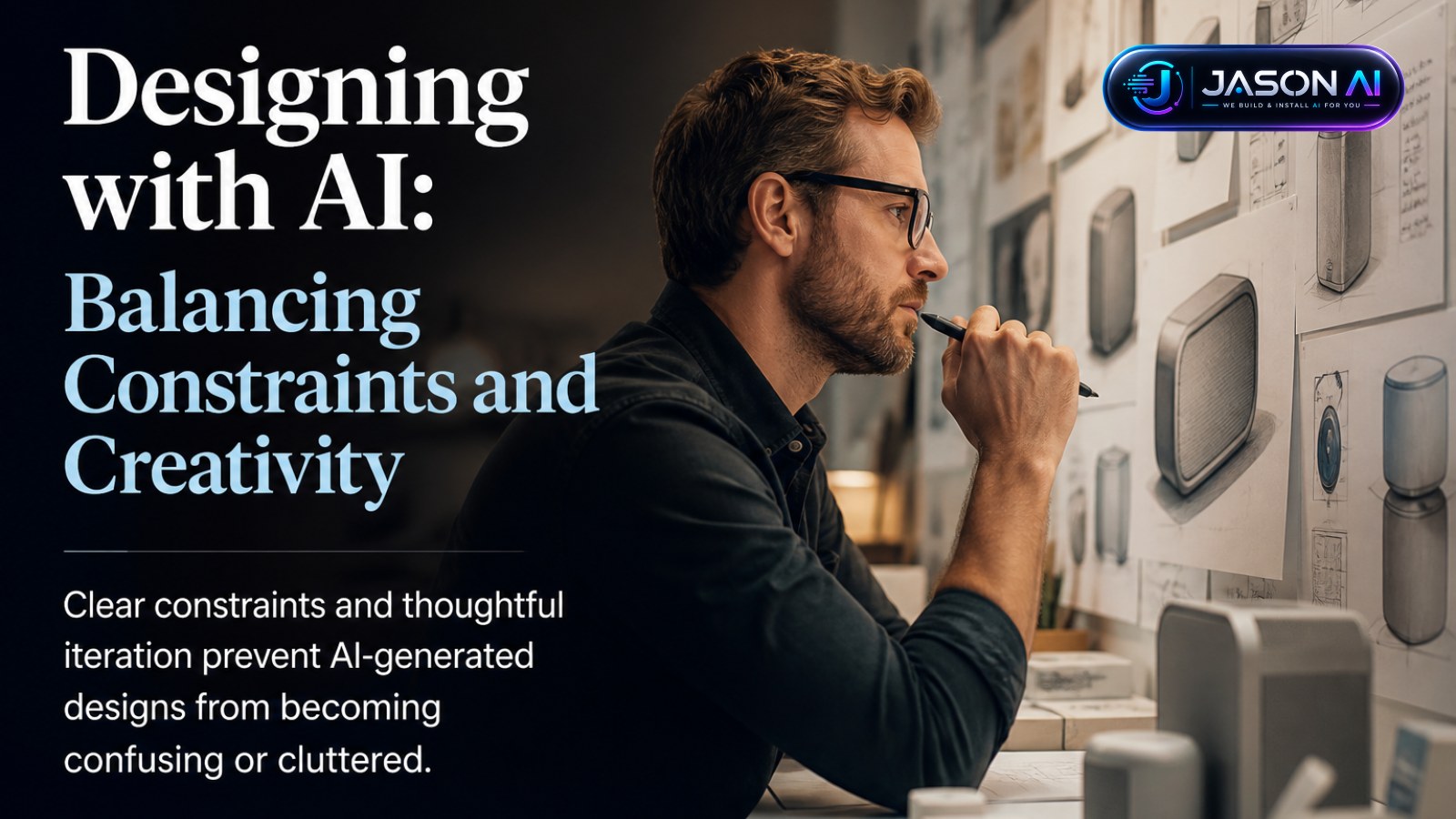
AI tools are transforming how engineers approach design, especially for those without formal design training. However, as Matt Dailey highlights, the challenge lies in managing design constraints carefully to avoid cluttered or confusing interfaces.
Establishing and Managing Design Constraints
Dailey emphasises the importance of clearly defining design constraints upfront. These constraints might include font and sizing standards, workflow requirements, or business logic states. Without this clarity, teams risk creating patchwork designs that prioritise some interactions arbitrarily, leading to user confusion.
He draws on principles from Christopher Alexander's Notes on the Synthesis of Form, advocating a cyclical process: lay out constraints, consider solutions, then revisit constraints if needed. Skipping this step often results in reactive "wackamole" fixes that exacerbate problems rather than solve them.
Practical AI Design Strategies for Engineers
AI can accelerate design by generating multiple variants quickly, but Dailey warns against overreacting to minor user feedback without reassessing constraints. His team keeps a document tracking small annoyances and paper cuts, addressing obvious fixes promptly but reserving minor issues for cohesive redesigns.
He also advises using dedicated design tools like Figma, which support rapid iteration and variant generation, rather than building directly in production codebases. This avoids "prototype gravity," where teams feel compelled to refine an initial version rather than explore alternatives.
- Separate views and logic, creating reusable components for visual cohesion.
- Maintain a showcase page for AI-generated UI components before integrating into the main app.
- Use preview deploys to test designs with real backend data, ensuring practical usability.
- Draw inspiration from existing products to build a library of design solutions.
- Reflect on personal taste and user experience to guide iterative improvements.
This approach helps teams without dedicated designers refine their taste and design quality through repeated experimentation and critique.
For businesses and developers, the takeaway is clear: AI can enhance design workflows but requires disciplined constraint management and thoughtful iteration to avoid creating more confusion for users. By combining AI speed with human judgement and structured processes, teams can produce interfaces that are both efficient and user-friendly.
Learn more about practical AI adoption and automation at https://jasonjuul.com.
Scope and Implementation Disclaimer: This article reflects community insights and practical approaches to AI-assisted design. It does not represent verified claims about AI capabilities or outcomes but shares useful strategies for design workflows.